

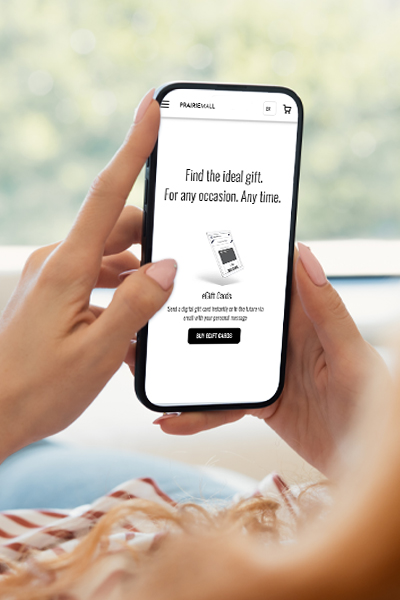
Gifting Made Simple
Give the Gift of ChoiceClick below to purchase a Prairie Mall eGift Card that can be used at participating retailers at Prairie Mall.Buy Gift CardHome
Learn Design for iOS Development
Coles
Loading Inventory...

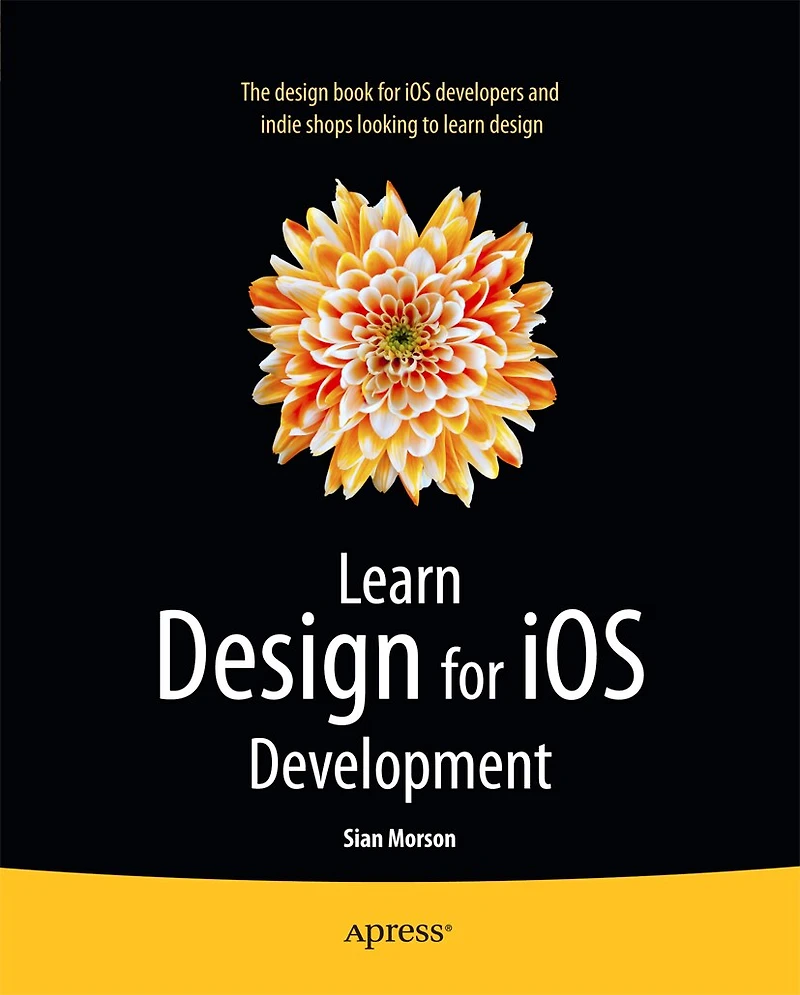
Learn Design for iOS Development in Grande Prairie, AB
Current price: $34.89
Original price: $43.53
Coles
Learn Design for iOS Development in Grande Prairie, AB
Current price: $34.89
Original price: $43.53
Loading Inventory...
Size: Kobo eBook
*Product information and pricing may vary - to confirm current pricing, availability, shipping, and return information please contact Coles. In the event of a pricing discrepancy, the retailer's price will apply.
Learn Design for iOS Development is for you if you're an iOS developer and you want to design your own apps to look great and be in tune with the latest Apple guidelines. You'll learn how to design your apps to work with the exciting new iOS 7 look and feel, which your users expect within their latest apps. Learn Design for iOS Development guides you through the design processes that you can apply to design your own apps brilliantly. We'll start at the idea stages of your apps, and you'll see how you can analyze and apply the right design patterns for every app you are coding, use wireframing tools to take your ideas forward, and use Photoshop to create the visual assets you want to look great in your app. You'll understand why Apple have made the decisions they've made with the new iOS 7 interface and new HIG guidelines, and from that insight you'll be able to vision and create your own apps, on iPhones and iPads, that work perfectly within the new iOS 7 interface.
Learn Design for iOS Development is for you if you're an iOS developer and you want to design your own apps to look great and be in tune with the latest Apple guidelines. You'll learn how to design your apps to work with the exciting new iOS 7 look and feel, which your users expect within their latest apps. Learn Design for iOS Development guides you through the design processes that you can apply to design your own apps brilliantly. We'll start at the idea stages of your apps, and you'll see how you can analyze and apply the right design patterns for every app you are coding, use wireframing tools to take your ideas forward, and use Photoshop to create the visual assets you want to look great in your app. You'll understand why Apple have made the decisions they've made with the new iOS 7 interface and new HIG guidelines, and from that insight you'll be able to vision and create your own apps, on iPhones and iPads, that work perfectly within the new iOS 7 interface.
You May Also Like











Find at Prairie Mall in Grande Prairie, AB
Visit at Prairie Mall in Grande Prairie, AB